
World of Anterra System Requirements — PC Specs on Steam
Official minimum and recommended PC specs from Steam: Windows 10, low-end CPUs and GPUs, 4–8 GB RAM, 6 GB storage. No Steam Deck verdict.
FAQ
What are the World of Anterra system requirements?
Can my PC run World of Anterra?
Does World of Anterra support Mac or Linux?
Is World of Anterra playable on Steam Deck?
What are the official PC requirements on Steam?
These values are copied from the Steam store page PC requirements block (verified 2026-10-27). We do not add resolution, VRAM, or ray-tracing fields Steam omits.
Minimum (Windows)
| Component | Spec |
|---|---|
| OS | Windows 10 |
| Processor | Intel Core 2 Duo E8600 or AMD Phenom II X4 945 |
| Memory | 4 GB RAM |
| Graphics | AMD Radeon R5 230 or Nvidia GT 610 |
| DirectX | Version 11 |
| Storage | 6 GB available space |
Recommended (Windows)
| Component | Spec |
|---|---|
| OS | Windows 10 / 11 |
| Processor | AMD FX 4300 or Intel Core i3 2120 |
| Memory | 8 GB RAM |
| Graphics | AMD Radeon R5 340X or Nvidia GTS 450 |
| DirectX | Version 11 |
| Storage | 6 GB available space |
Cross-check planned stores in the platforms guide before buying console hardware for a future port.
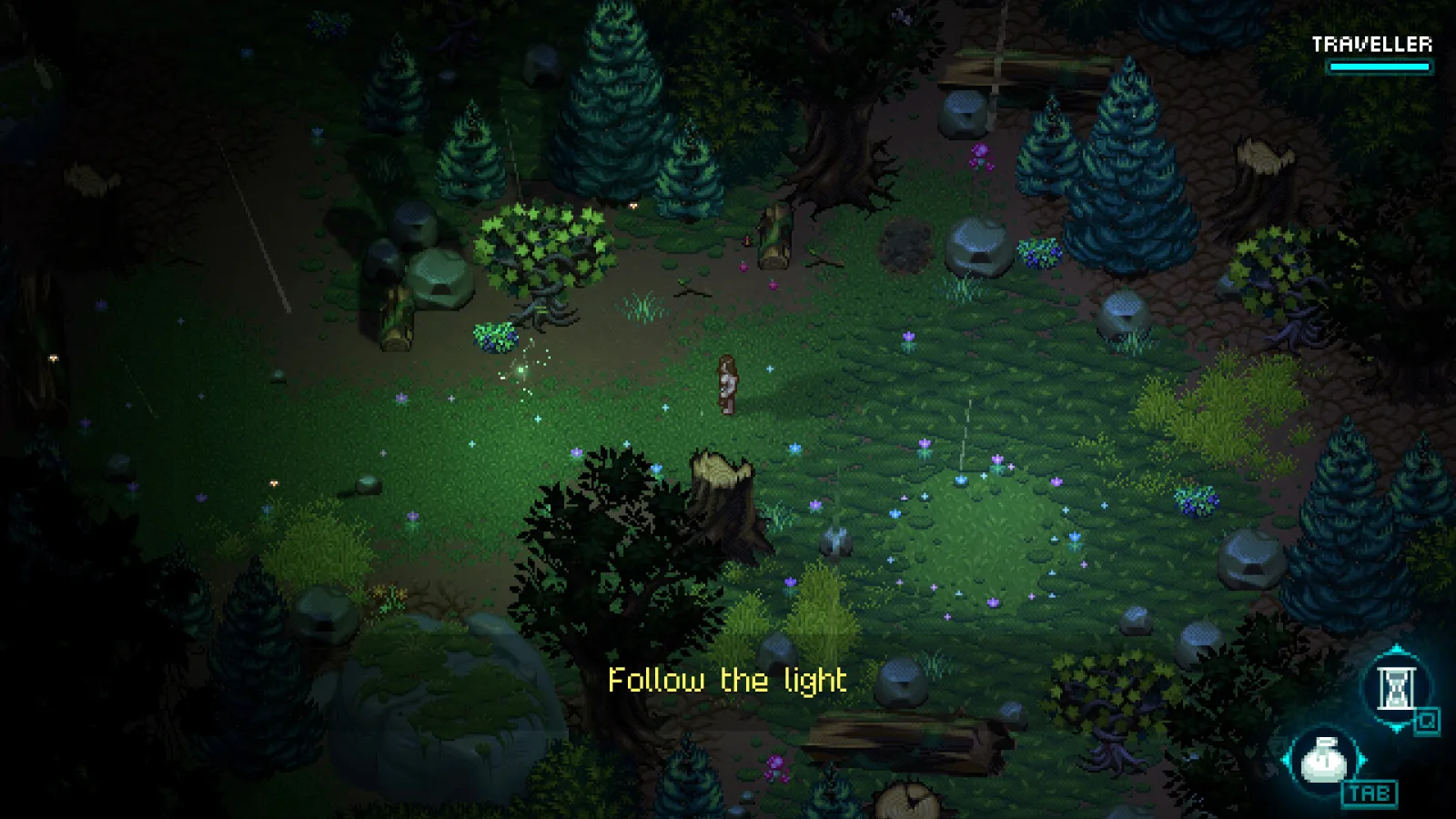
Official Steam screenshot (development build). Final game may differ.
Why are the listed specs so low compared with other RPGs?
The Kickstarter description page stated the game ran well on older computers during development—a plain-language goal that matches Steam’s Core 2 Duo / GT 610 floor. Steam also promotes hand-drawn pixel art with dynamic lighting, which often scales on modest GPUs when targets stay 2D-forward.
That does not guarantee identical performance in dense co-op fights or late-game zones; treat recommended specs as the safer baseline if you plan long sessions or stream. Combat load details live in the combat system guide.
What storage and OS planning should you do before launch?
6 GB is the published install footprint today—likely to grow before 1.0, so keep extra headroom on SSD or HDD. Windows 10 is the minimum OS line; Windows 11 appears only on the recommended row.
Until release, use the release date page for timing and the demo and Early Access guide for when a playable build might arrive. Day-one language support is covered in languages.
What about Steam Deck, ultrawide, or unlisted hardware?
Steam Deck: No verified Deck compatibility statement on the store listing we checked. Check Steam’s Deck tab after the developer submits results.
Mac / Linux: Current Steam flags show Mac and Linux false; FAQ still plans Mac among broader platforms—see platforms.
Controllers: Steam lists full controller support (DualShock, DualSense, Steam Input)—useful for couch play once a demo exists, independent of CPU tables above.
Sources
Last verified: 2026-10-27
Related Articles
guides
World of Anterra Beginner FAQ — Pre-Release Answers
Map size, classes, codes, bosses, playtime, Steam Deck, open world, and official site—honest pre-release answers with sources, October 2026.
guides
World of Anterra Co-op & Multiplayer — Steam Tags Explained
Online co-op, split-screen, cross-platform, and Remote Play Together on Steam—what is confirmed and what player counts are still unannounced.
guides
World of Anterra Combat — Grid, QTE, and Turn-Based?
Grid battles plus quick-time actions—not pure turn-based. What Steam and Kickstarter confirm about party combat, spells, and auto-aim before release.
Was this helpful?
Thanks for the feedback!